




When a user submits a form on your website, they’re not just sharing their name or email — they’re also generating valuable contextual data. One of the most important (and commonly used) data points is the IP address.
IP gathering during form submissions is a standard practice used by companies of all sizes, from startups to global enterprises. When implemented correctly and responsibly, it helps teams understand their leads better, improve targeting, strengthen security, and make smarter business decisions.
This article explains what IP gathering is, why companies use it, how it can be implemented, and what Webflow does (and does not) support out of the box.
What Is IP Gathering?
An IP address (Internet Protocol address) is a unique identifier assigned to a device when it connects to the internet. When someone submits a form, their IP address can be captured at the moment of submission.
IP gathering simply means recording that IP address alongside the form data and storing or processing it for business or technical purposes.
This is not a new or unusual practice — it’s a foundational component of modern analytics, security, and lead qualification systems.
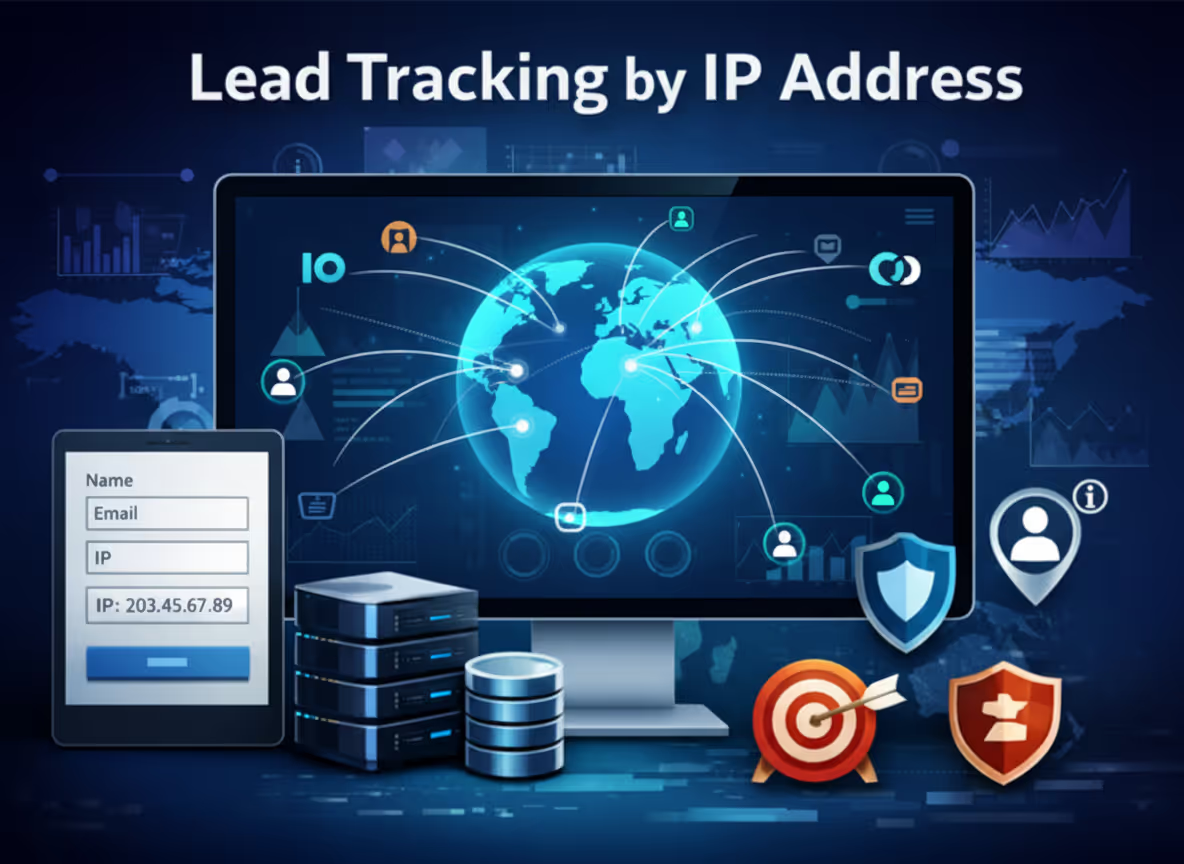
Why Do Companies Gather IP Addresses?
Companies collect IP data for many legitimate and strategic reasons, including:
1. Lead Geolocation & Market Insights
IP addresses can be used to infer:
- Country, region, or city
- Market distribution of inbound leads
- Performance of regional campaigns
This helps marketing and sales teams tailor messaging, routing, and follow-ups.
2. Lead Qualification & Routing
Enterprise sales teams often:
- Route leads to regional sales reps
- Assign accounts based on territory
- Prioritize leads from target markets
IP data enables this automation.
3. Fraud Prevention & Spam Detection
IP tracking helps:
- Identify repeated spam submissions
- Block malicious traffic
- Detect bot behavior
- Flag suspicious activity
This is especially important for high-volume forms.
4. Compliance & Audit Trails
In regulated industries, IP addresses can be used as part of:
- Consent tracking
- Submission verification
- Security audits
5. Analytics & Conversion Optimization
Understanding where submissions originate geographically can improve:
- Campaign targeting
- Localization strategies
- UX and content decisions
How IP Gathering Is Typically Implemented
There are several common approaches to capturing IP addresses during form submissions:
1. Platform-Level Collection
Some platforms automatically record IP addresses internally. This is useful for basic visibility but often limited in how the data can be reused.
2. Client-Side Scripts
JavaScript can capture the IP using:
- Third-party IP services
- Browser-based detection (with limitations)
The IP is then attached to the form submission before being sent to external systems.
3. Server-Side Collection
A backend endpoint receives the form submission and automatically captures:
- IP address
- Headers
- Metadata
This is the most robust and secure approach, commonly used by enterprise systems.
IP Gathering in Webflow: What’s Supported (and What Isn’t)
Webflow does collect IP addresses — but with important limitations.
What Webflow Does Collect
Webflow automatically records the submitter’s IP address and makes it available in:
- Site Settings → Forms
- CSV exports of form submissions
This allows site owners to manually view or export IP data for internal use.
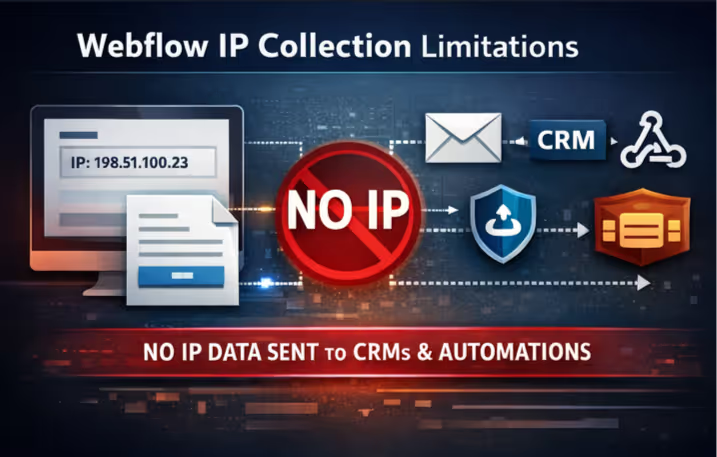
What Webflow Does Not Send Externally
Webflow does not include IP addresses in outbound form submission data sent to:
- CRMs
- Zapier
- Make
- Webhooks
- Other third-party integrations
This is expected behavior and is by design.
The official form_submission webhook payload — which all integrations rely on — does not contain an IP field. As a result, any tool that listens for Webflow’s “New Form Submission” event will not receive IP data by default.
Why This Matters
If you remove a custom script or third-party integration that captures IP addresses, your CRM will stop receiving IP data, even though Webflow still records it internally.
In other words:
- Webflow stores the IP
- But does not expose it to external systems
How to Capture IP Addresses for CRMs and Automations
If your CRM or automation workflow requires IP data, the only current solution is to:
- Use a client-side script that captures the IP before submission, or
- Use a server-side endpoint that records the IP and forwards the data to your CRM
This approach ensures the IP is included in the data sent externally, rather than relying on Webflow’s native form payload.
What’s Next: Webflow Feature Requests
If you’d like Webflow to:
- Include IP addresses in webhook payloads
- Make IP available in form notification variables
- Expose IP data more broadly across integrations
Webflow recommends submitting a request via their Wishlist. This helps their product team track demand and prioritize future improvements.
Final Thoughts
IP gathering during form submissions is a standard, widely adopted practice used to improve lead quality, security, analytics, and operational efficiency.
Webflow provides basic IP collection for internal visibility, but advanced use cases — especially those involving CRMs and automation tools — require additional implementation.
At Rapid Fire, we help teams design form workflows that balance:
- Business intelligence
- Technical reliability
- Privacy and compliance
- Platform constraints
If you’re unsure how to implement IP gathering responsibly within your current stack, we’re happy to help.